

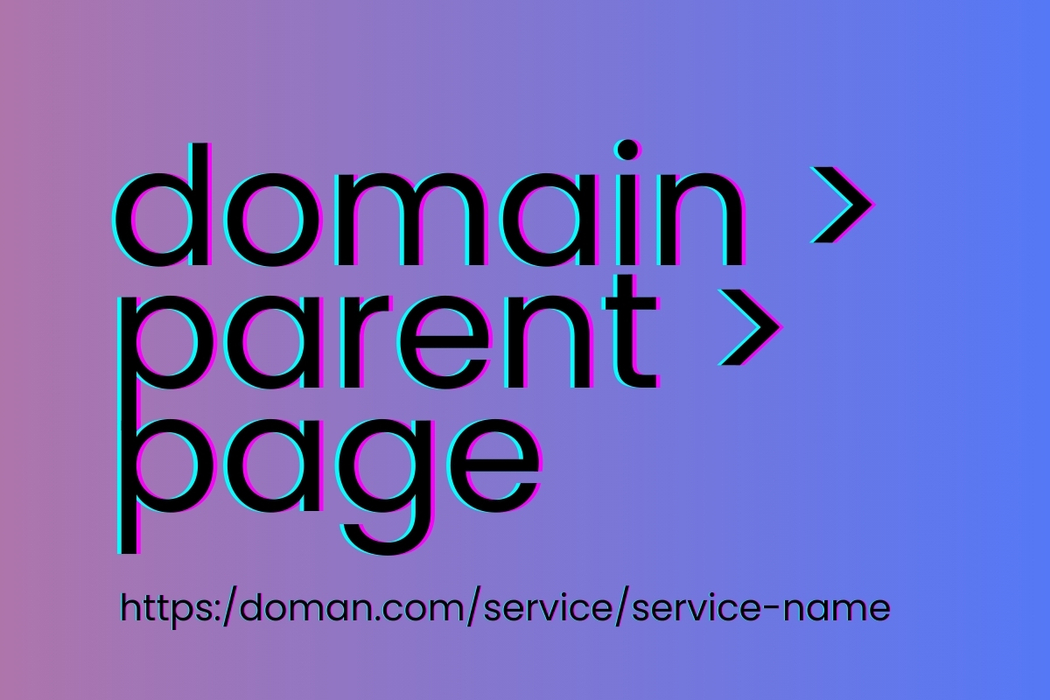
Website structure is one of the most overlooked parts of SEO and web design — yet it directly impacts rankings, navigation, and conversions.
If you’re building or redesigning a site and want it structured correctly from day one, our web design services in New Jersey can help you map it the right way.
Let’s break down what parent pages are, why they matter, and how to structure your site properly.
Table of Contents
ToggleWhat Website Structure Actually Means
Website structure is the way your pages are organized and connected. It defines hierarchy, navigation flow, and how search engines understand your content.
Think of it like a blueprint:
- Homepage = foundation
- Parent pages = main rooms
- Child pages = sub-rooms
If your blueprint is messy, everything feels confusing — to users and to Google.
Google doesn’t just rank pages. It ranks relationships between pages. It looks at how content connects, which pages sit at the top of a hierarchy, and which ones support others. That structure sends strong signals about authority and relevance.
What Are Parent Pages?
Parent pages are top-level category pages that organize related content underneath them. They act as central hubs for a topic.
Simple Example Structure
Services (Parent Page)
→ Web Design (Child Page)
→ SEO Services (Child Page)
→ Branding (Child Page)
URL Structure:
domain.com/services/web-design
domain.com/services/seo
Parent pages:
- Define topical authority
- Signal importance
- Group related content
They tell search engines: “This is a core topic on this site.” Everything underneath supports it.
Why Parent Pages Matter for SEO
1. They Clarify Topic Hierarchy for Search Engines
Google uses site architecture to understand:
- What your site is about
- Which pages are most important
- How content is related
When your structure is clean and logical, crawling becomes easier. Google can move through your site efficiently and understand your authority on a topic. That clarity strengthens your rankings over time.
2. They Strengthen Internal Linking
Parent pages naturally link down to child pages. Child pages often link back up.
That flow:
- Distributes authority
- Reinforces semantic relationships
- Improves ranking consistency
This is how you build SEO silos correctly — not by stuffing keywords, but by organizing content logically.
3. They Improve User Navigation
Visitors shouldn’t have to “hunt” for your services.
A strong parent structure:
- Reduces bounce rate
- Increases time on site
- Improves conversions
If someone lands on your Services page, they should instantly see how to navigate deeper. Good structure is UX and SEO working together.
Recommended URL Structure for Service Businesses
For service-based companies — especially local businesses — simplicity wins.
Correct format:
domain.com/services/service-name
Example:
domain.com/services/web-design
domain.com/services/seo-services
Why this works:
- Clean hierarchy
- Logical grouping
- Easier sitemap organization
- Better breadcrumb trails
Avoid:
- Random standalone URLs
- Over-nesting (3+ subfolders deep)
- Inconsistent slug naming
The cleaner your URLs, the clearer your site’s hierarchy becomes.
How This Helps Sitemaps and Crawling
Your XML sitemap should mirror your website structure.
When parent pages are organized properly:
- Google crawls more efficiently
- Important pages get discovered faster
- Content authority flows logically
Think of your sitemap as the technical reflection of your website structure. If the hierarchy makes sense to humans, it usually makes sense to search engines too.
Breadcrumbs and Site Hierarchy
Breadcrumb navigation reinforces structure both visually and technically.
Example:
Home > Services > Web Design
Benefits:
- Improves UX
- Strengthens internal linking
- Helps Google understand page position
- Increases chances of rich results
Adding breadcrumb schema enhances visibility in search results and reinforces page hierarchy in Google’s eyes.
Real-World Scenario
Let’s say a New Jersey marketing agency launches 10 services — but each one lives as a random top-level URL.
Result:
- No hierarchy
- No internal flow
- Weak topical clusters
- Harder to rank
Now restructure it under:
Services → Individual Service Pages
Rankings improve because:
- Topic authority consolidates
- Crawl paths are cleaner
- Users navigate naturally
Structure isn’t cosmetic. It’s strategic.
Common Website Structure Mistakes
- Creating too many parent categories
- Mixing service and blog hierarchy
- No breadcrumb navigation
- Orphan pages (no internal links)
- URL inconsistency
- Deep nesting beyond 2–3 levels
Most ranking issues aren’t from “bad SEO.” They’re from bad architecture.
How to Structure a Service Website Properly
Recommended model:
Homepage
→ Services (Parent)
→ Individual Services
→ About
→ Blog (Parent)
→ Blog Articles
→ Contact
This structure:
- Builds authority
- Makes scaling easier
- Supports SEO long term
It also keeps your site organized as you grow, instead of becoming a messy collection of random pages.
Conclusion
Website structure and parent pages are foundational to SEO performance. Without hierarchy, you lose clarity — for users and search engines.
If you want your site structured properly for long-term growth, explore our web design services in New Jersey and let’s build your architecture the right way from the start.